Features
Features
Each area below says what the product does today. What is still on the way is marked as such.
Sales
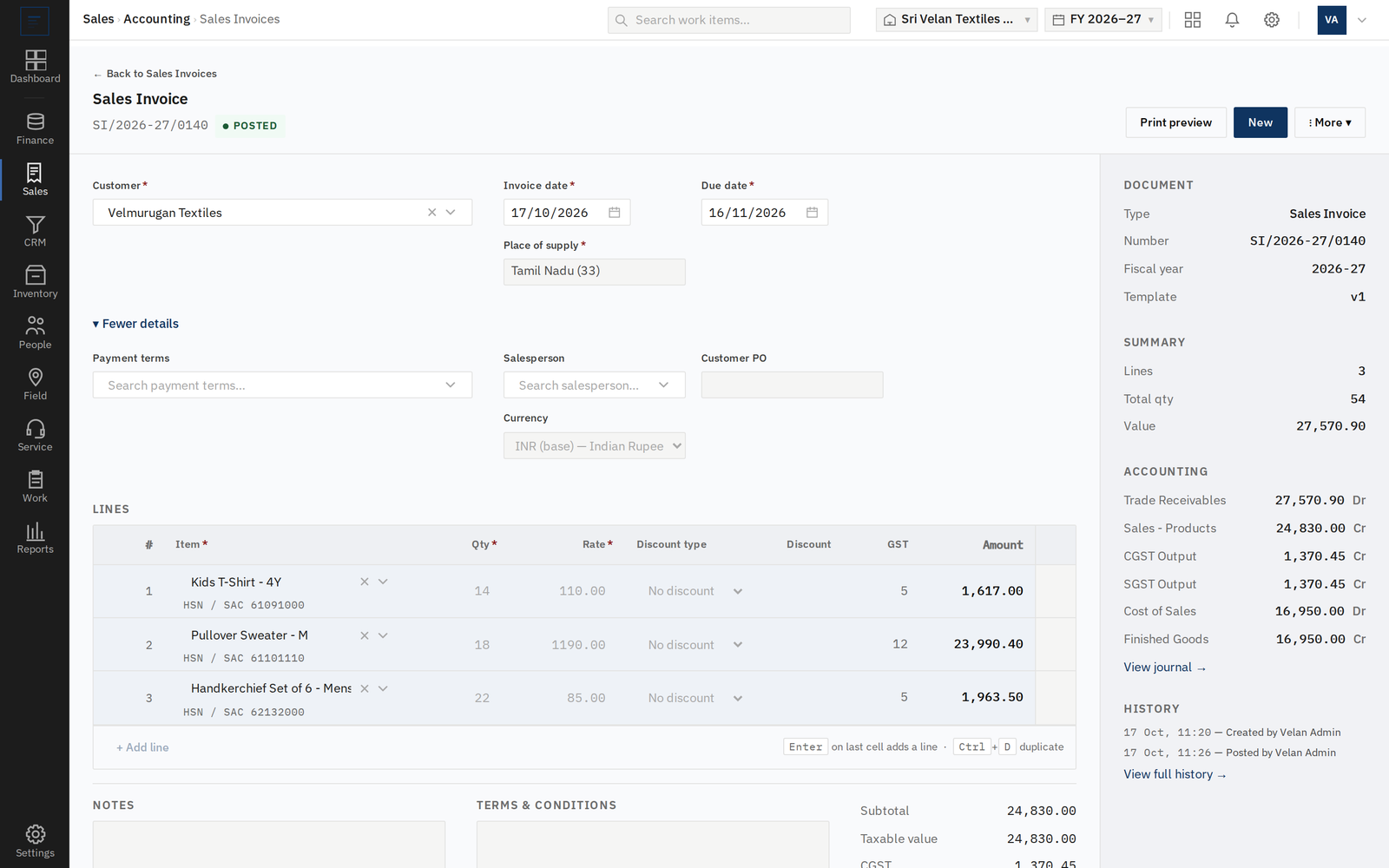
Raise an invoice with a live preview and post it; the ledger entry follows.
Loading draft invoices from a file is coming soon.
Purchase
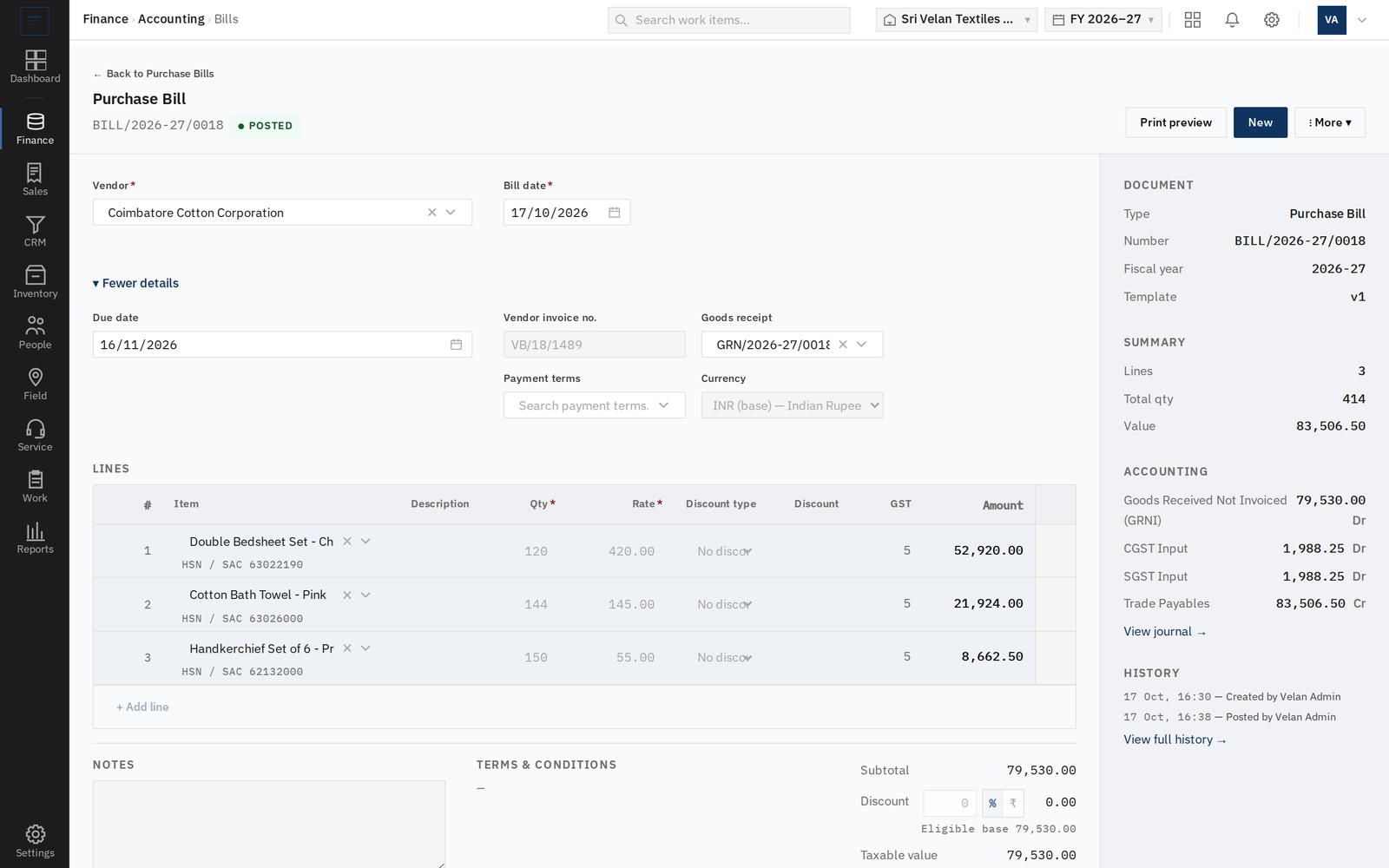
Raise orders, record goods received and enter vendor bills.
GST and tax
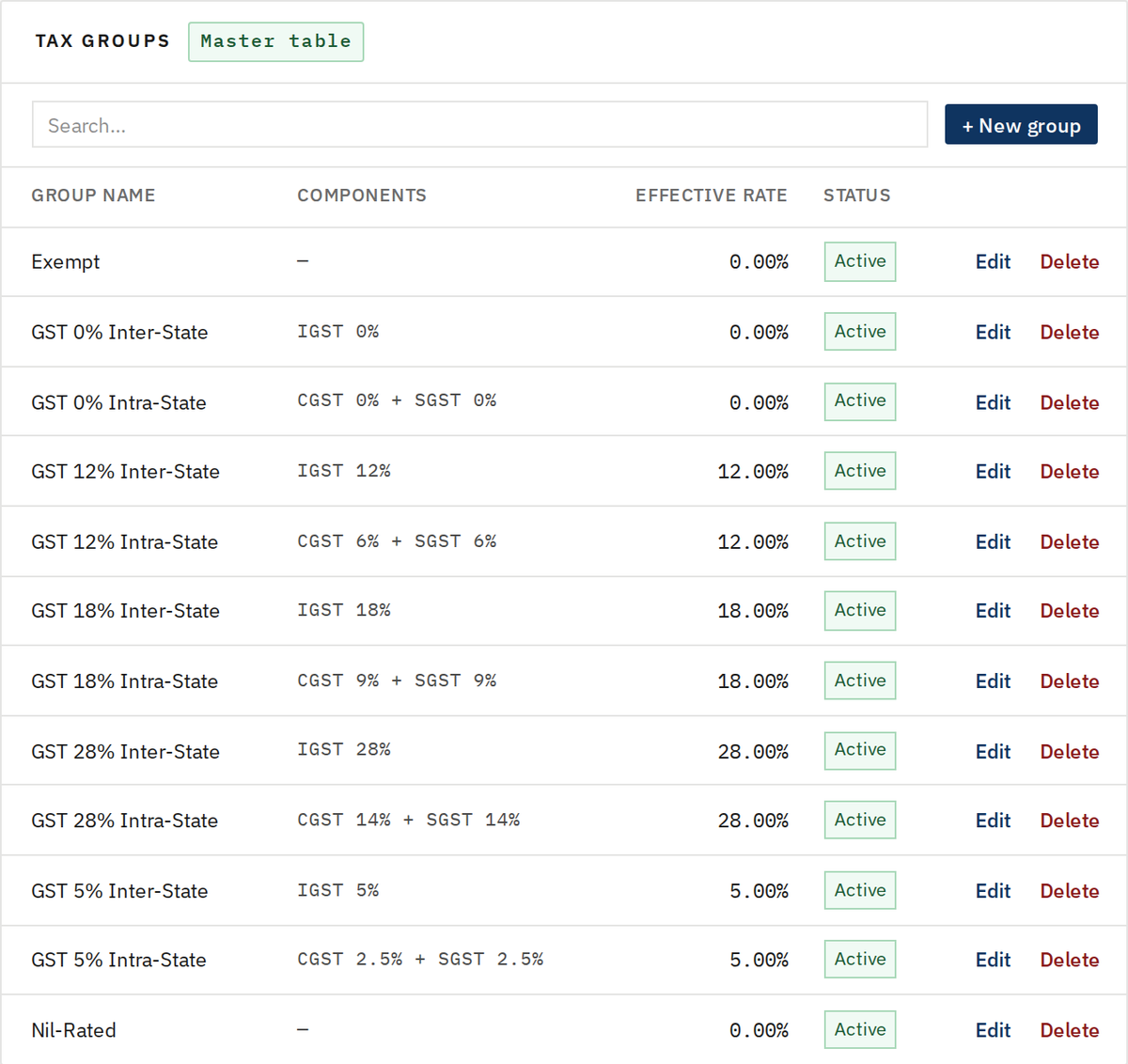
Tax is worked out from the place of supply, using the components you define.
E-invoice (IRN) generation, e-way bill generation and GSTR return data are in progress.
Receipts, payments and cheques
Record money in and out, and allocate it to the documents it settles.
Receipts
Record money received and allocate it to open invoices.
Vendor payments
Pay vendors and allocate the payment to open bills.
Receiving or issuing by cheque, and moving a cheque through deposited, cleared or bounced, is coming soon.
Reports
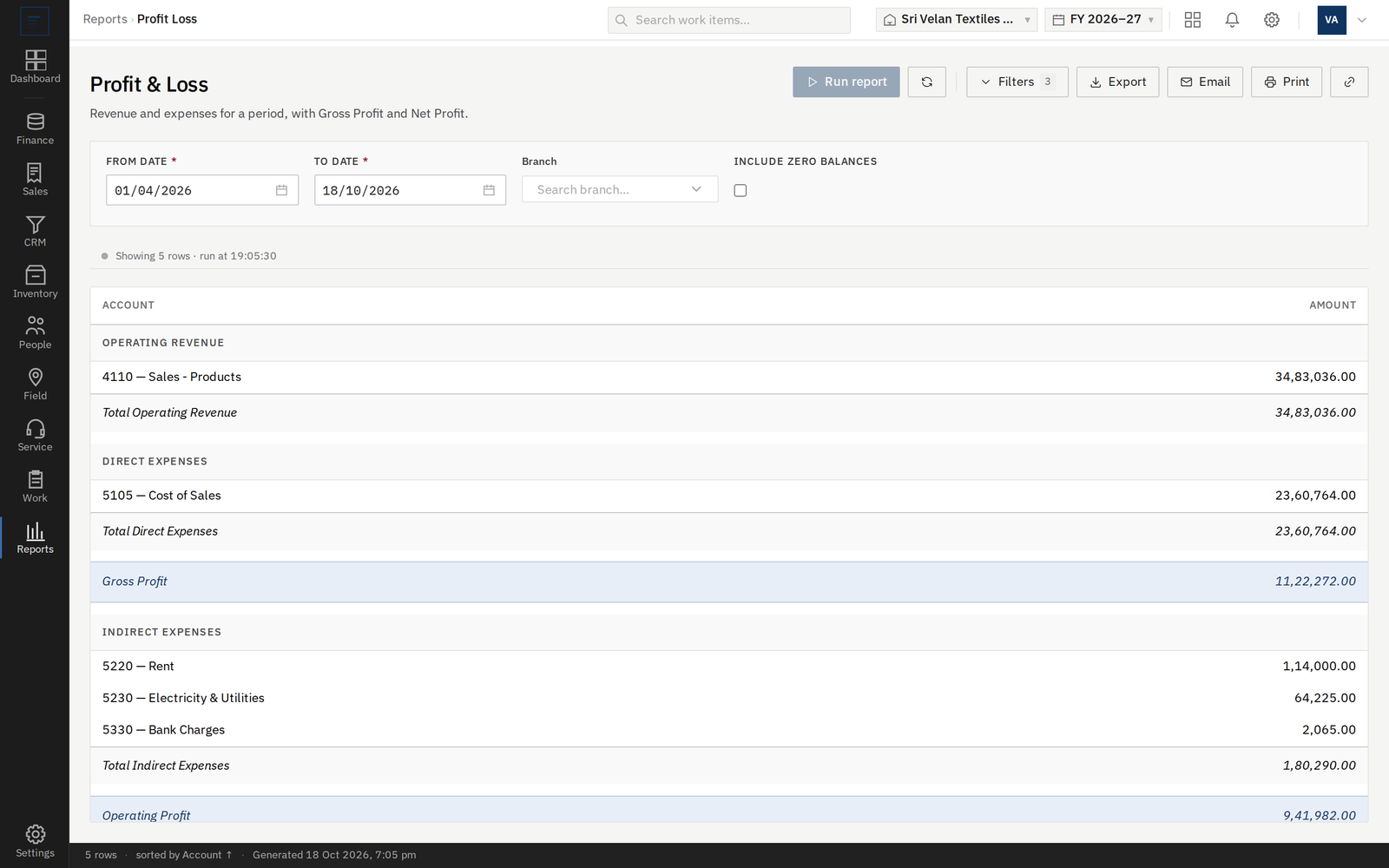
Profit and loss, balance sheet, trial balance and account ledger.
Receivable and payable aging are coming soon, as are cash flow, day book and GST reports.
Corrections and controls
Set how books open, how documents are numbered and printed, and how mistakes are corrected.
Opening balances
Enter opening balances once as a single balanced entry, then lock the books at cutover.
Corrections
Request a correction on a posted document, with approve, reject or cancel and a reason.
Number formats
Set prefix, separator, padding, suffix and reset cadence for each document type.
Number series
Create and edit document number series.
Print templates
Pick a built-in print layout for all vouchers or per type, or build a custom template.
Logo and titles
Upload a logo and rename voucher titles such as Sales Invoice or Bill.
Branch print layout
Give a branch its own print layout.
Voiding a posted invoice, bill, note, receipt or payment, with the ledger entry reversed, is coming soon.
Working with a linked company
Link this company to a company in another workspace and send documents between them.
Linking
Invite, accept or cancel a link with a company in another workspace.
Sent and received
Documents sent to a linked company arrive as inbound deliveries you resolve or dismiss.
Item mapping
Remember how an item on one side maps to an item on the other.
Linked contacts
Mark a customer or vendor as the other workspace.
See it on a worked set of books
Ask for a demo and we will go through it with you.